SHORT ANSWER
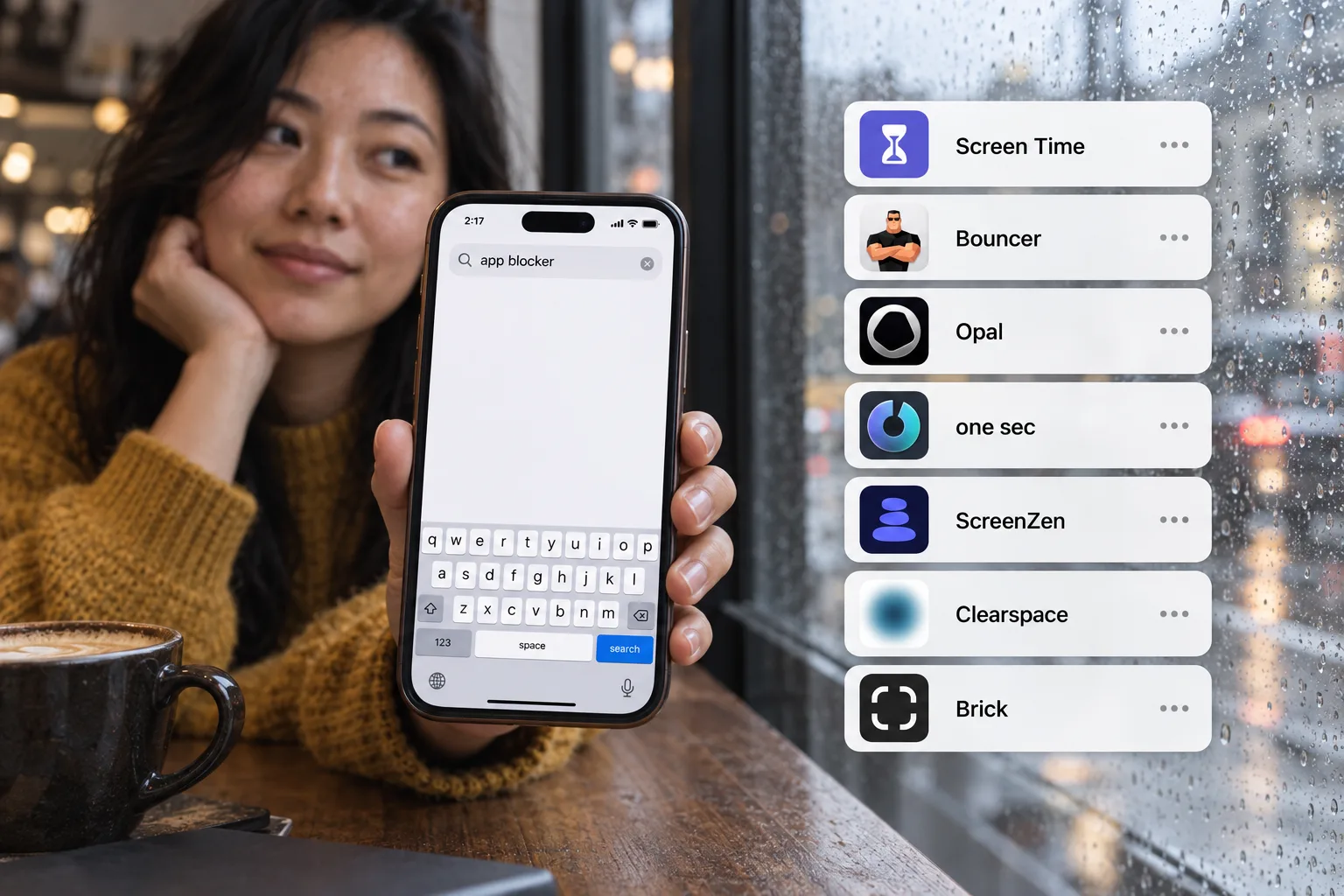
Bouncer focuses on iPhone Rules and deliberate, time-bounded access. Opal presents a broader set of focus tools and is available across iPhone, Mac and Android. Your first decision is whether you need an iPhone boundary or support across devices. For more options, see the comparison of 7 app blockers.
Start with your actual requirement
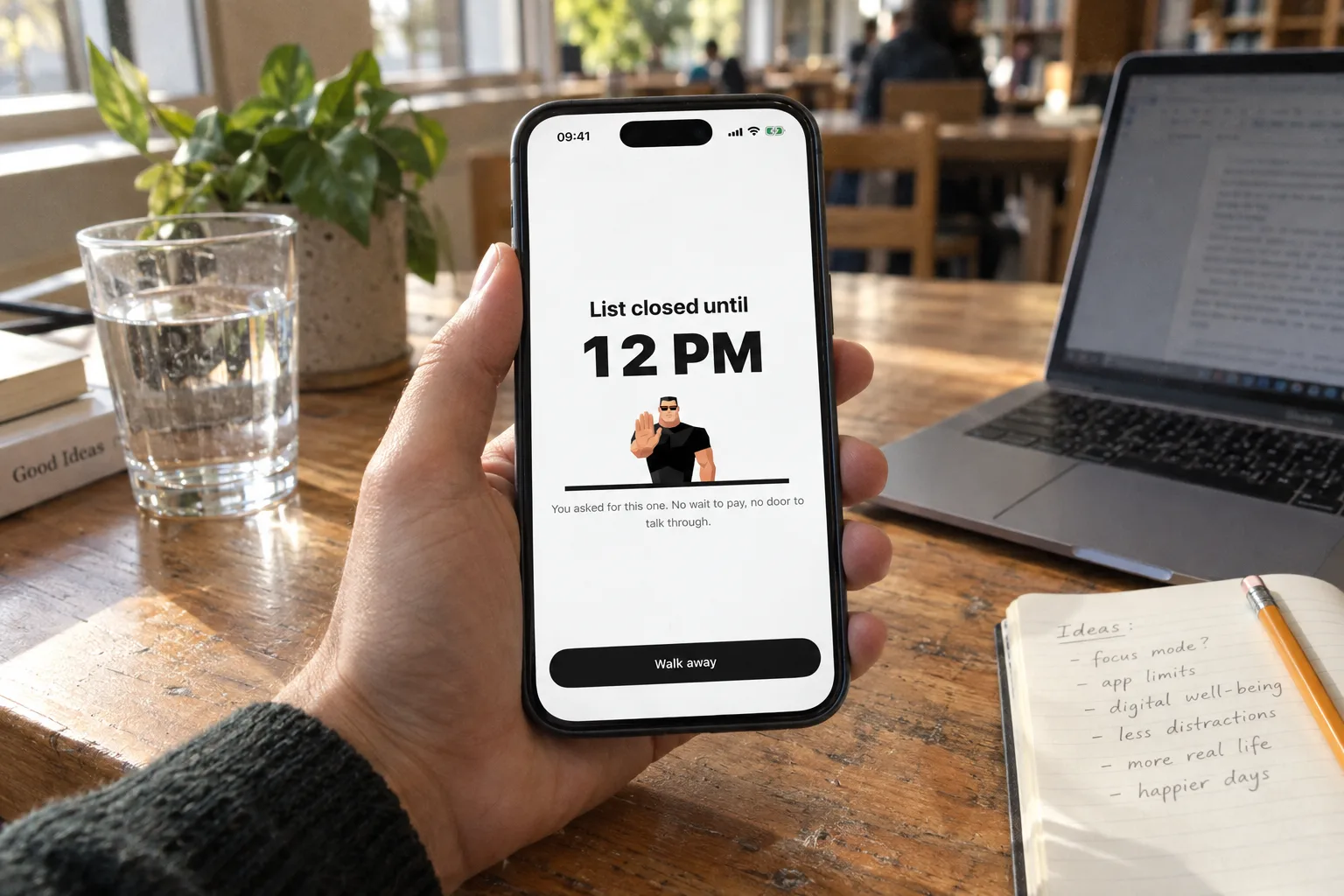
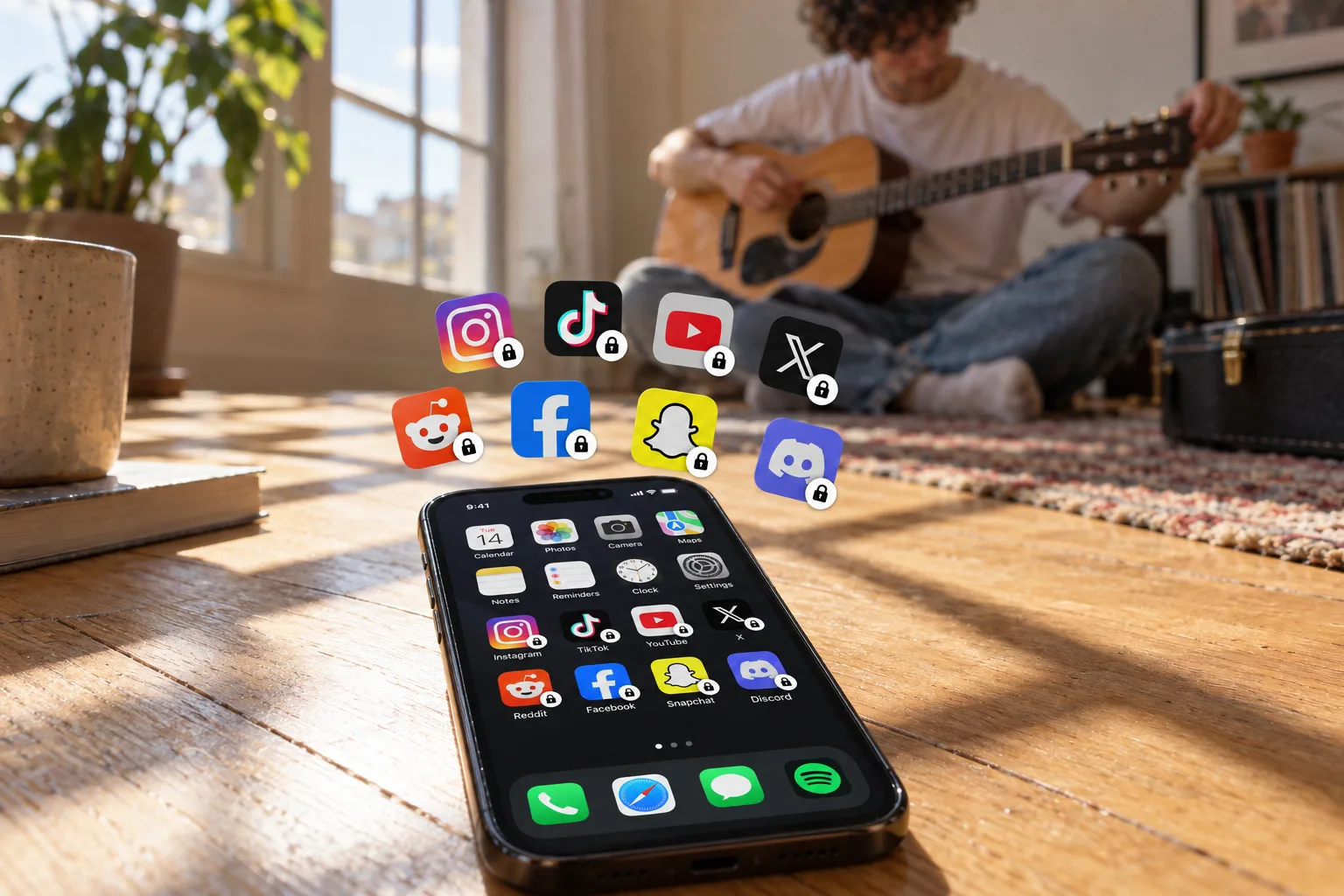
If you want to stop reopening TikTok or Instagram at one moment of the day, inspect what happens at the moment you request access. If you move between a phone and computer all day, inspect platform coverage first. A long feature list does not decide which tool fits your routine.
This comparison is written by Bouncer, not an independent testing organization. It describes the current Bouncer implementation and Opal’s public website checked on 26 September 2026. It does not claim that one app produces better outcomes.
Bouncer: Rules and deliberate access
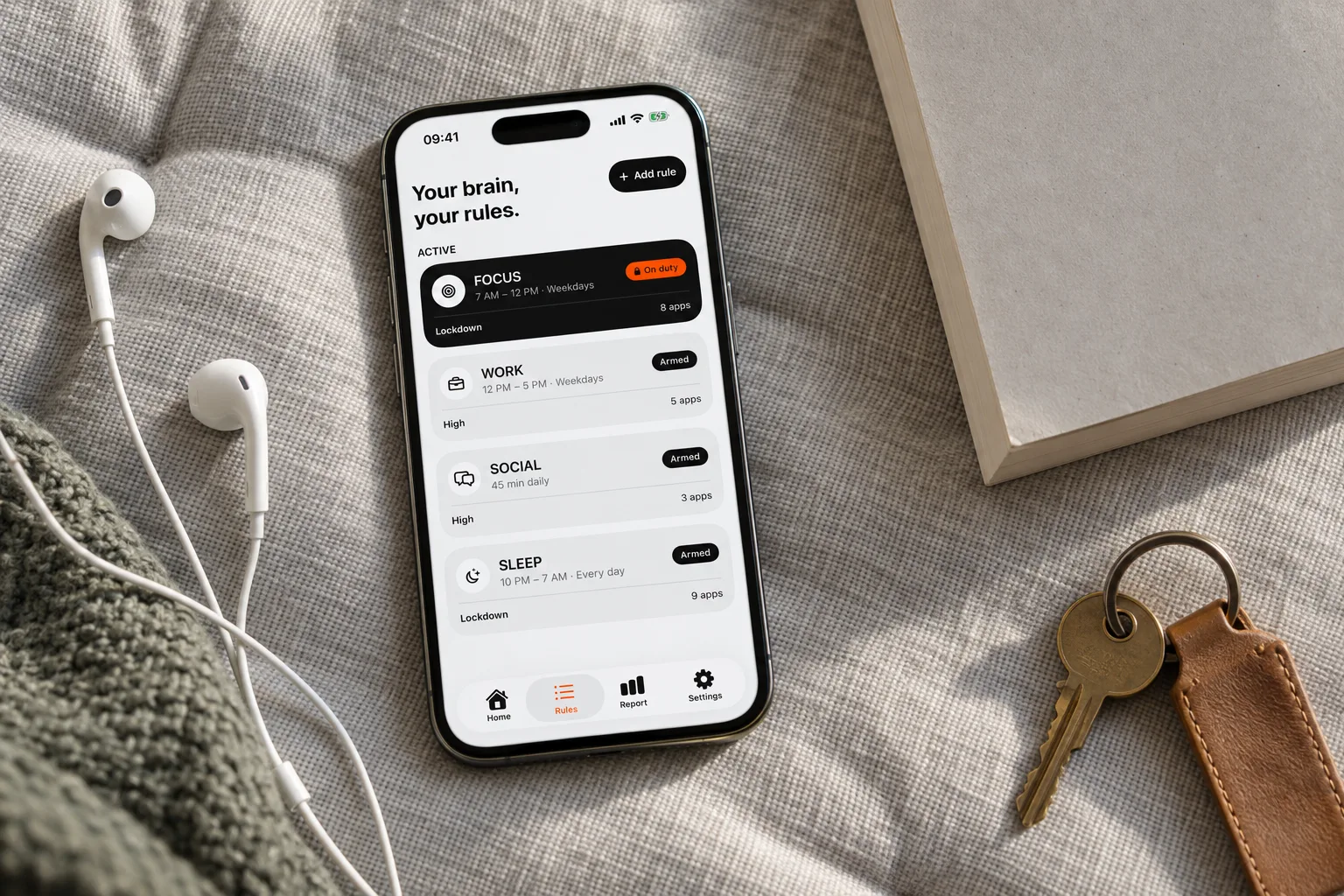
Bouncer lets you select apps, choose a schedule or daily limit, and set a Level. Normal adds a short variable wait. High makes successful repeated unblocks more costly in waiting time while reducing the available session duration. Lockdown fixes a scheduled commitment with a limited Emergency Pass.
Temporary access lasts 5, 10 or 15 wall-clock minutes; High may narrow those choices. The app has no user account. Screen Time values, app selections and Rules stay on the iPhone, while limited anonymous purchase, operational and diagnostic information is processed separately.
Opal: a wider focus toolkit
Opal’s website lists Focus Rules, a Focus Timer, an Opal Score and milestone Gems. It advertises iPhone, Mac and Android availability. These may matter if you want multiple focus tools or use more than one platform. Consult Opal’s current product and plan details to check the features available to you.
Check availability and payment separately
Bouncer is currently an iPhone product. Android and Mac are coming soon, with no announced release date. Do not choose it today on the assumption that a desktop or Android version is already available.
Bouncer offers a Monthly auto-renewing subscription, with a seven-day free trial for eligible customers, or a one-time Lifetime purchase. Both unlock the complete app. Current local prices are shown in the app and by Apple. For Opal, check its own pricing page. This guide does not compare prices that may vary by region, offer or billing period.
A short checklist before you choose
- List the devices you need to protect now.
- Decide whether a daily allowance, a scheduled boundary or both fit your day.
- Read the exact rules for temporary access and emergency exits.
- Check where usage information is processed.
- Verify the current offer on the purchase screen and judge the tool against a real context you want to protect.
Bouncer and Opal side by side
For five more options, see the comparison of 7 app blockers.
| Bouncer | Opal (from its website) | |
|---|---|---|
| Platforms | iPhone; Android and Mac coming soon | iPhone, Mac and Android |
| Blocking | Rules with a schedule or daily limit, and a Level | Focus Rules, Focus Timer, Allow Only |
| Strictest mode | Lockdown: no temporary unblock until the window ends; one Emergency Pass | Hard Mode: “You can’t turn Opal off” |
| Extras | Report of time in blocked apps and total screen time | Opal Score, Focus Gems, soundscapes |
| How you pay | Monthly (7-day free trial if eligible) or Lifetime | See Opal’s pricing page |
Frequently asked questions
Is Bouncer available on Android or Mac?
Not yet. Bouncer is available on iPhone; Android and Mac are coming soon, with no announced date.
Does Opal have a strict mode?
Opal’s website lists Hard Mode, described as “No way out. You can’t turn Opal off.” Check Opal’s current details for how it works.
Which one is cheaper?
Prices vary by country and offer. Bouncer shows your local price in the app; check Opal’s pricing page for its plans.
Sources
Sources checked on 26 September 2026. External features and offers can change.
A boundary you choose.
Start with a context you want to protect on your iPhone.