SHORT ANSWER
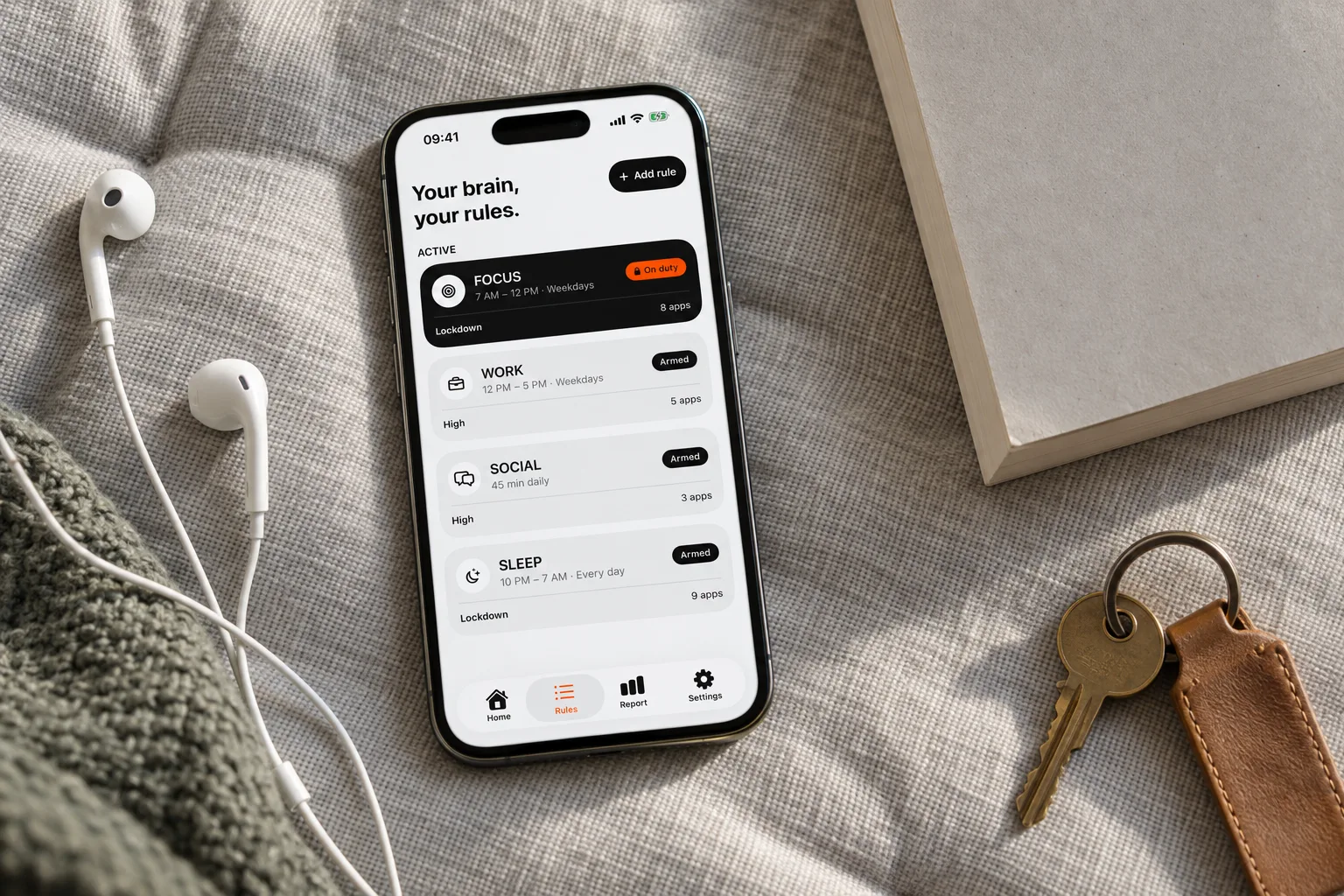
Normal adds a short variable wait. High increases the wait and reduces the available session after successful unblocks. Lockdown protects a scheduled window until it ends, except for the limited local Emergency Pass. To set up a Rule, follow how to block apps on iPhone.
Normal: interrupt the automatic opening
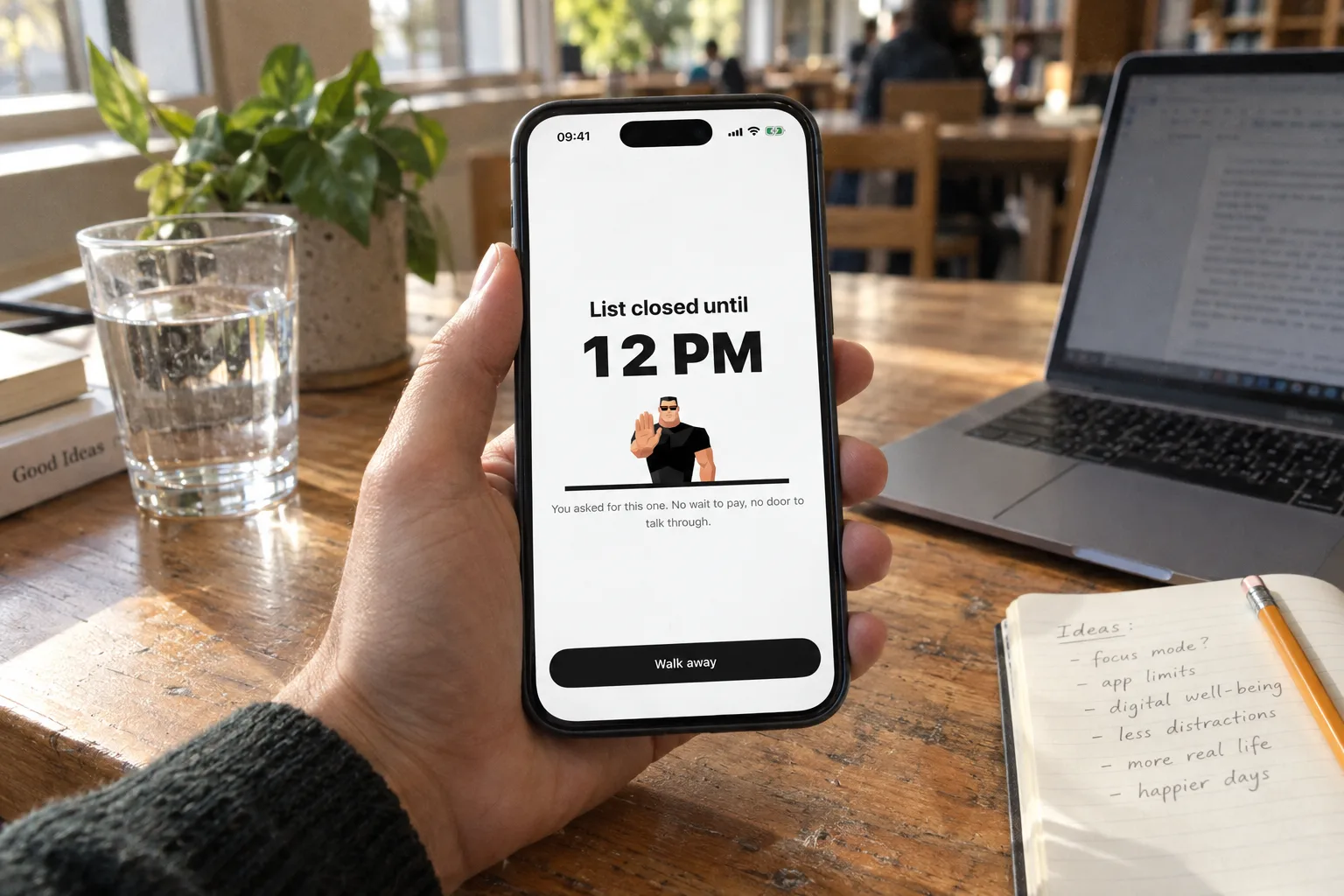
Normal adds a short wait before temporary access. The wait varies; it is not a fixed next-time price to memorize. After completing it, choose a session of 5, 10 or 15 minutes.
The countdown advances only while the waiting screen is in the foreground. Leaving Bouncer or locking the phone pauses it. Walking away ends the attempt without granting access. This creates a place to reconsider the visit before entering.
High: make repeated requests harder
High adds resistance to repeated successful unblocks. The wait grows and the duration available to you gets shorter. The app does not publish the escalation curve or a next-time price.
High starts from the same set of possible session durations: 5, 10 or 15 minutes. It offers fewer choices as successful unblocks increase. An abandoned attempt does not count as a successful unblock. The waiting countdown still requires you to remain in Bouncer.
Lockdown: protect a scheduled commitment
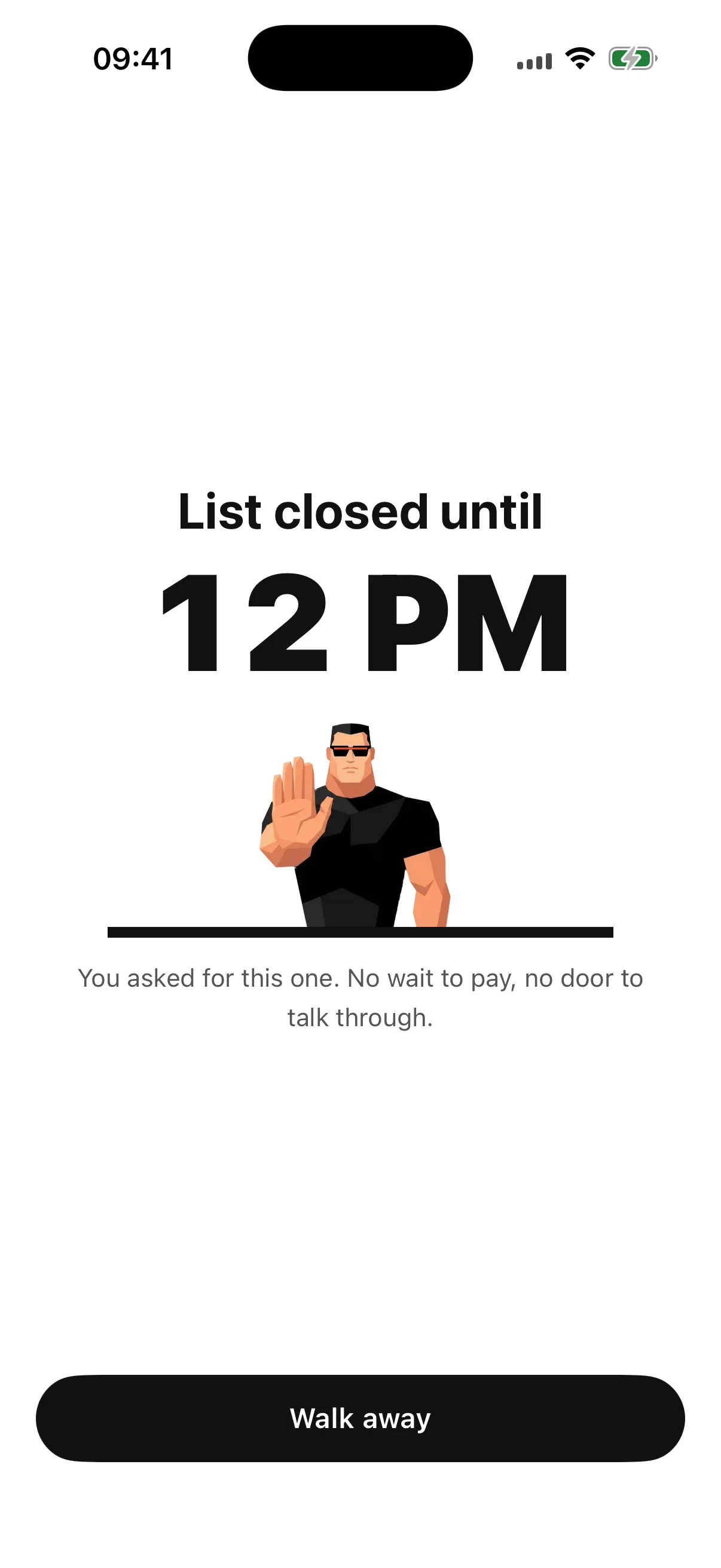
Lockdown requires a window with an explicit start and end. It is not available for a daily-limit trigger. While a Lockdown is active, you cannot edit it, deactivate it or request an ordinary temporary unblock.
The regular exit is the end of the scheduled window. The exception is a local Emergency Pass. Bouncer depends on Apple system services; Lockdown is not a claim that every possible bypass or system failure is impossible.
Understand the Emergency Pass
A fresh installation has one local Emergency Pass. After use, it becomes available again exactly seven days later. Passes do not accumulate. The pass disables active Lockdowns only; Normal and High Rules remain active.
Each affected Lockdown must be activated again manually. Pass state is local and is not guaranteed after a device transfer or reinstallation. Plan your selection and schedule before activating a Lockdown so that the pass remains an exception.
Separate waiting time from access time
Waiting requires your presence in Bouncer. A granted session uses wall-clock time: its minutes pass even if you leave the app or lock the phone. These are two different clocks.
Editing or deactivating a Normal or High Rule while it is on duty requires the same wait as requesting access. Rule changes are free during temporary access. Choose the Level based on the boundary you want, not on which sounds most severe.
The three Levels side by side
| Normal | High | Lockdown | |
|---|---|---|---|
| To get in | A short, variable wait | A wait that grows after each successful unblock | Not possible until the window ends |
| Session | 5, 10 or 15 min | Fewer choices over time | None |
| Editing the active Rule | Same wait | Same wait | Not possible |
| Trigger | Schedule or daily limit | Schedule or daily limit | Schedule only |
| Exceptional exit | — | — | One Emergency Pass, back 7 days after use |
Frequently asked questions
Which Level should I start with?
Start with Normal for a moment you want to protect, and move up when you keep getting in anyway. Use Lockdown for a window you are sure about.
Can I change a Rule’s Level?
Yes. When the Rule is not on duty, edit it freely. While a Normal or High Rule is on duty, editing asks for the same wait. An active Lockdown cannot be edited.
Can I use Lockdown with a daily limit?
No. Lockdown needs a scheduled window with an explicit end.
What happens to the Emergency Pass if I reinstall Bouncer?
The pass is stored locally. Its state is not guaranteed after a device transfer or reinstallation.
A boundary you choose.
Start with a context you want to protect on your iPhone.